
Services — what Kai runs
Pick the outcome. Kai handles the rest.
Every IQTalk is built from reusable services — Reception, Scheduling, Lead Capture, Follow-Up and more. Pick what you need; Kai runs each to a proven playbook and answers as the expert. We don’t just automate — we engineer the waste out. Tap any card for the flow + the questions it asks.

Reception Service
Answer every call, 24/7
See the flow & questions ↓
How it works
- Answers every call instantly — day, night & overflow
- Greets callers in your business’s voice
- Answers your top questions (hours, location, services)
- Takes a clean message or routes urgent calls to you
What it asks
- How can I help you today?
- Are you a current customer?
- What’s this regarding?
- Best number to reach you?
- Anything time-sensitive?

Scheduling Service
Book the calendar — no phone tag
See the flow & questions ↓
How it works
- Offers your real availability
- Books, reschedules & cancels in one call
- Confirms by text on the spot
- Syncs straight to your calendar
What it asks
- What would you like to book?
- Morning or afternoon?
- Which day works best?
- First time, or returning?
- Best number for the confirmation?

Lead Capture Service
Answer every new lead in 60 seconds
See the flow & questions ↓
How it works
- Responds to new leads in under a minute, 24/7
- Captures who they are & what they need
- Qualifies the essentials
- Books them in — or routes hot leads to you
What it asks
- What can we help you with?
- What’s prompting you to reach out now?
- What’s your timeline?
- Best way to reach you?
- How did you hear about us?
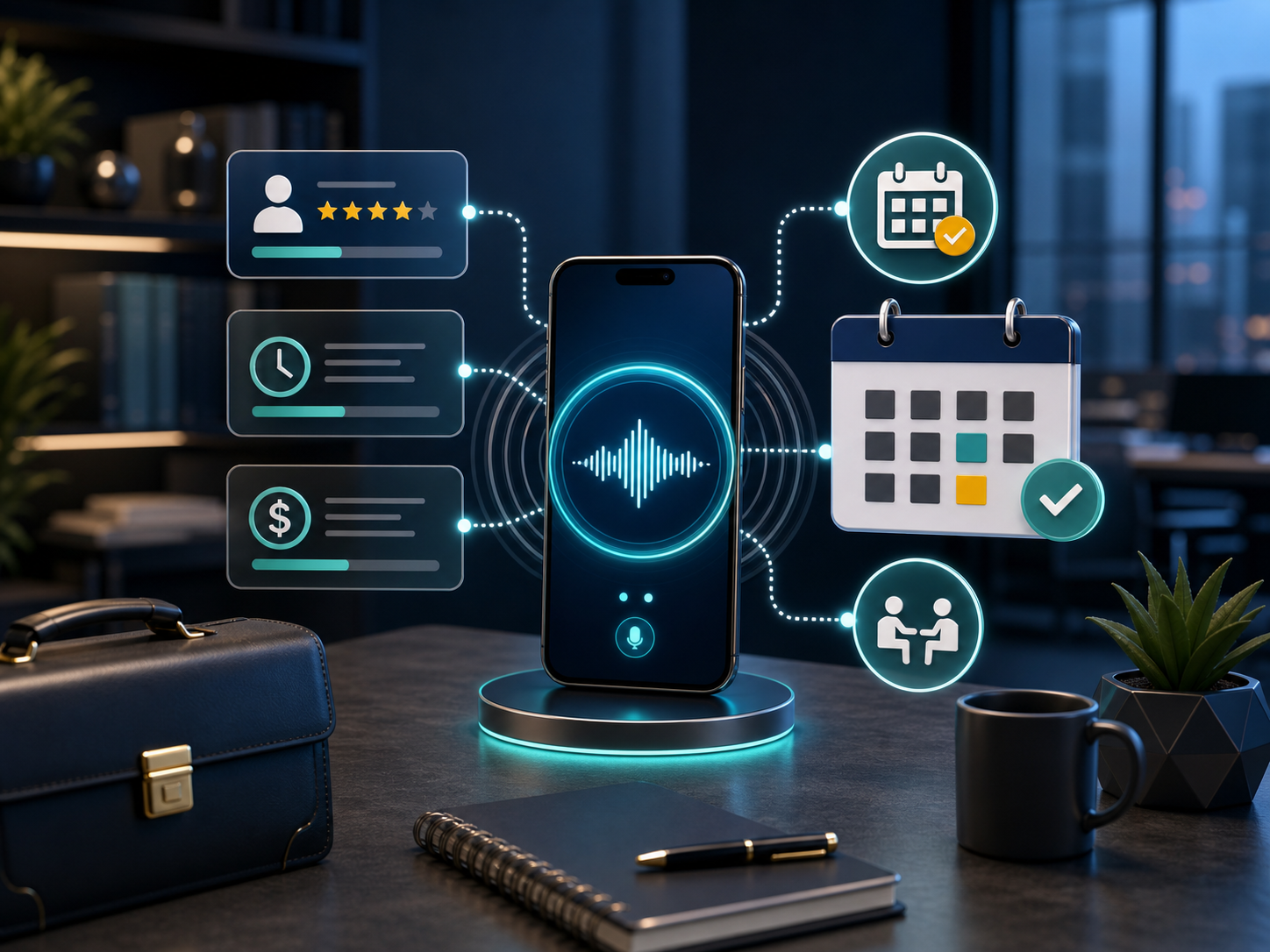
Consulting & Pro Services
Qualify prospects & book discovery calls
See the flow & questions ↓
How it works
- Answers every inquiry, 24/7
- Qualifies fit, timeline & budget
- Books a discovery call on your calendar
- Texts you the brief before the call
What it asks
- What can I help you with today?
- Is this for your business or personal?
- What’s prompting you to reach out now?
- Timeline and rough budget?
- Best email for a calendar invite?
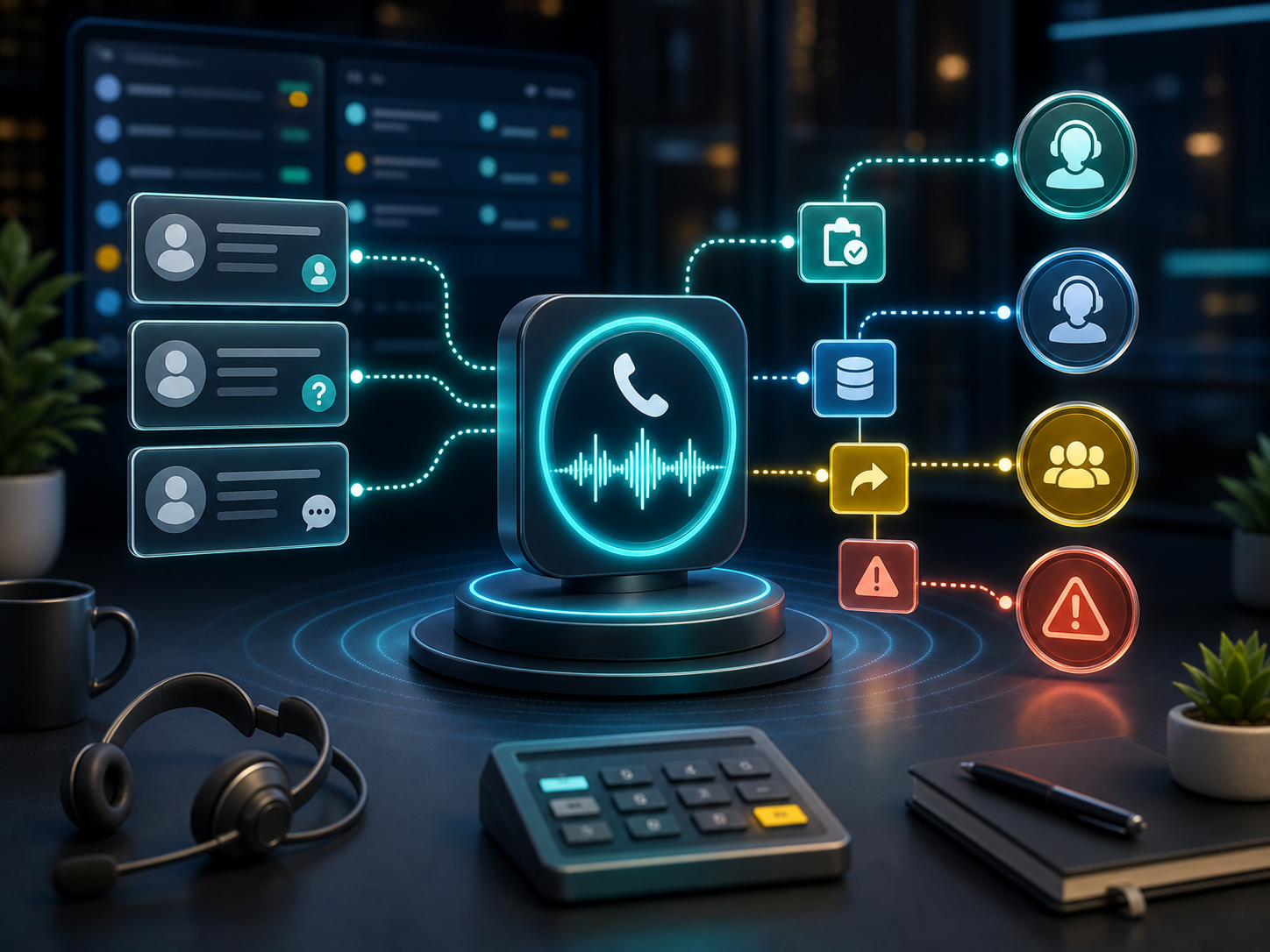
Customer Support
Triage, answer, and escalate
See the flow & questions ↓
How it works
- Identifies the customer
- Understands the issue
- Answers common questions or logs a ticket
- Escalates the urgent ones to you
What it asks
- Your name and the email on your account?
- What’s going on?
- When did it start?
- Have you tried the usual fix?
- Is this blocking you now, or okay for a callback?
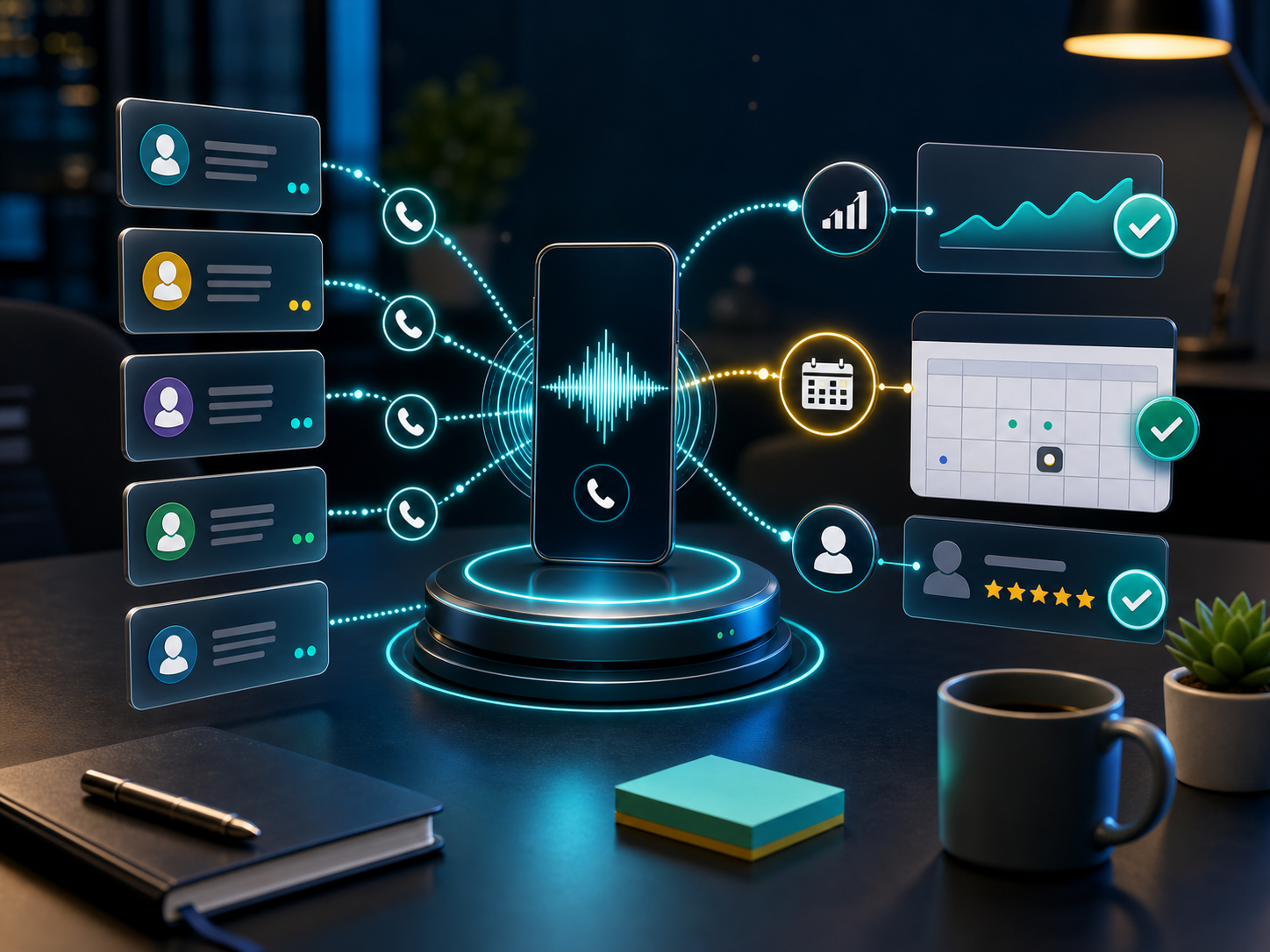
Sales Follow-Up
Re-engage leads & book the next step
See the flow & questions ↓
How it works
- Calls the lead for you
- References their original inquiry
- Re-qualifies interest
- Books the next step & reports back
What it asks
- You reached out about this—good time to talk?
- Are you still looking to solve it?
- What’s changed since we last spoke?
- Want a slot on the calendar this week?
- Best email for the invite?
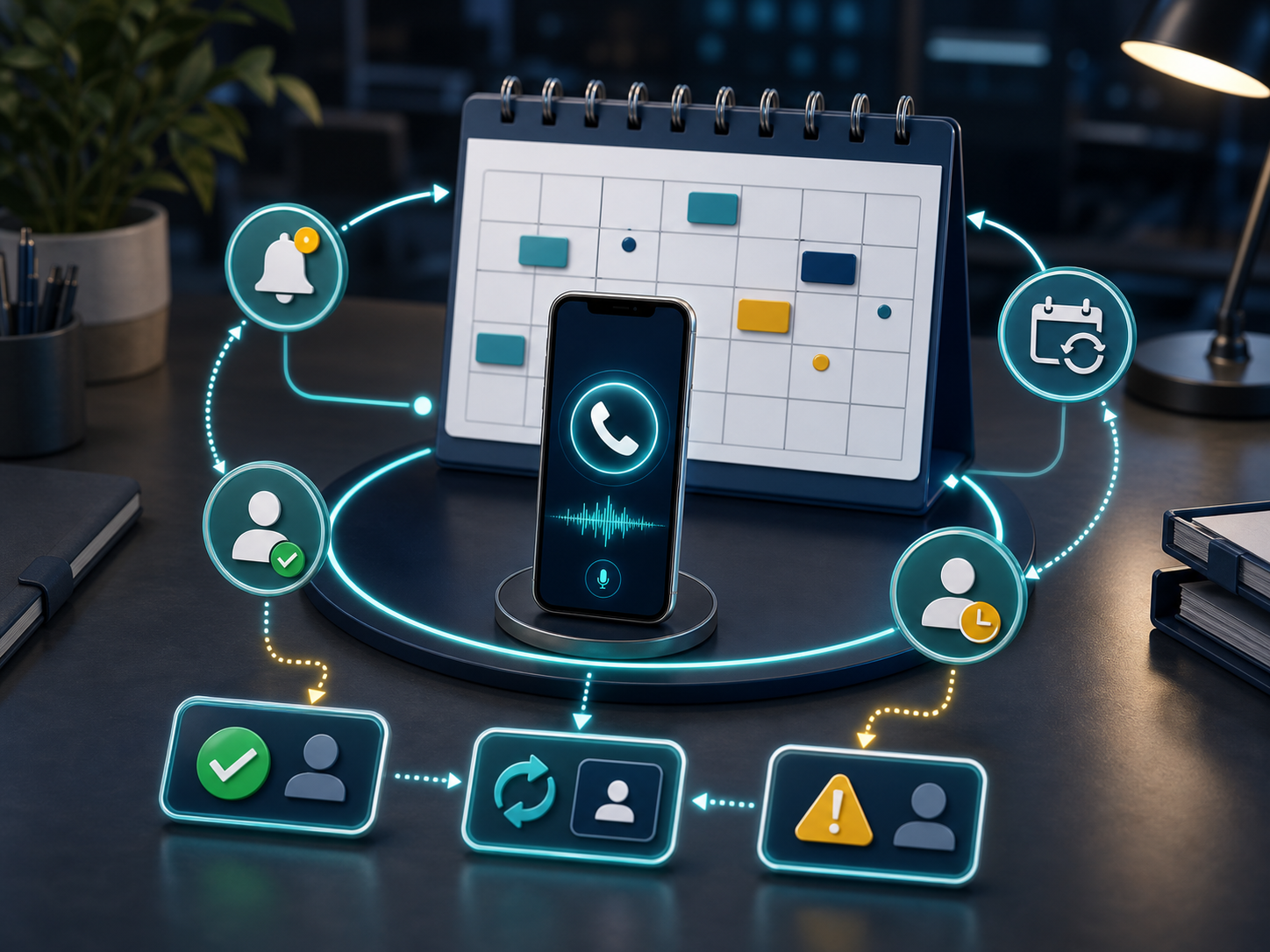
Appointment Reminders
Kill no-shows automatically
See the flow & questions ↓
How it works
- Calls or texts ahead of the appointment
- Confirms it—or reschedules on the spot
- Updates your calendar automatically
- Flags anyone who needs a heads-up
What it asks
- Confirming your appointment on this date and time—still good?
- Need to move it? What day works better?
- Anything you need before then?
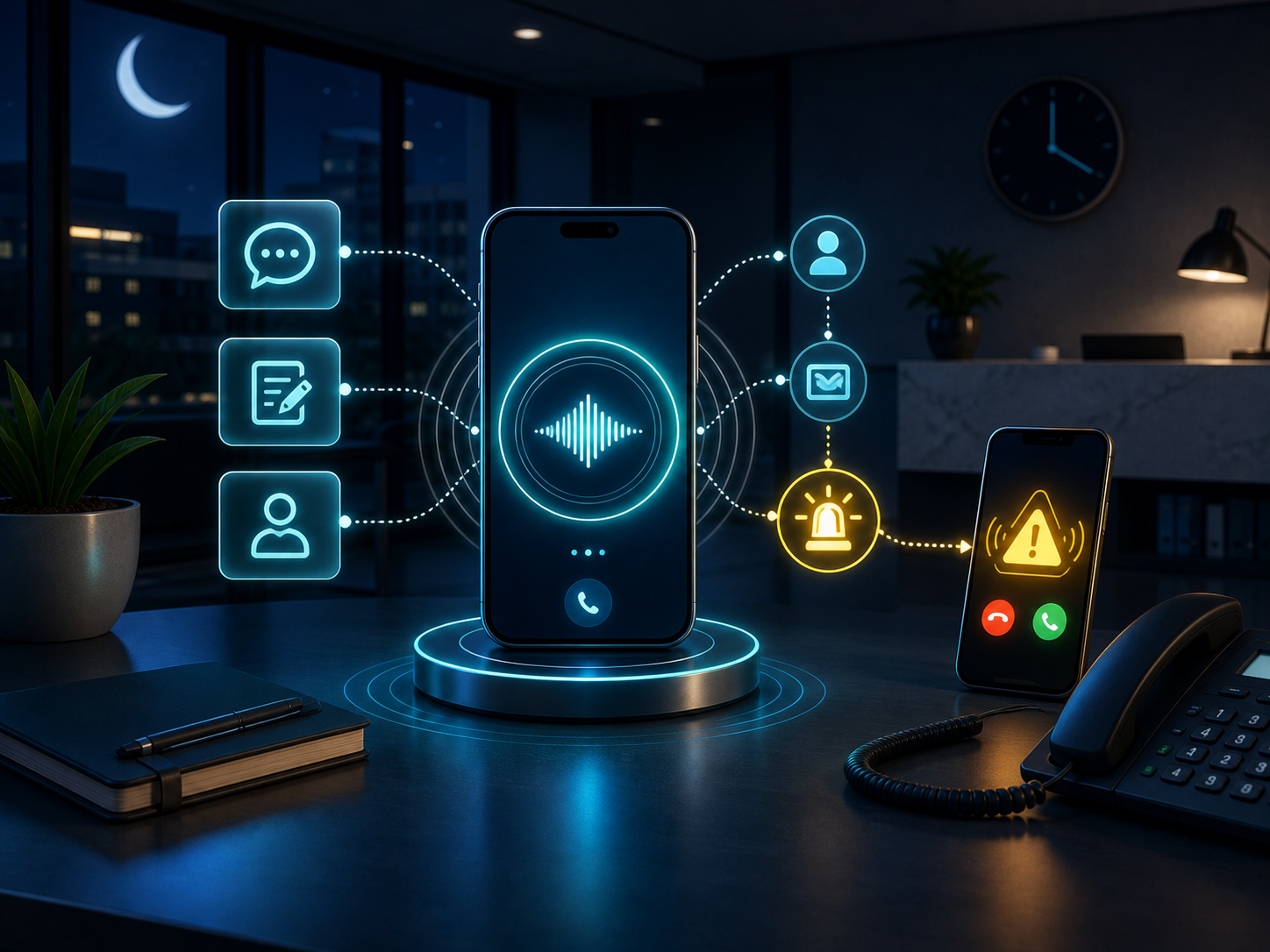
After-Hours Answering
24/7 coverage when you’re closed
See the flow & questions ↓
How it works
- Answers when your office is closed
- Handles routine questions
- Takes a clean message
- Rings your cell only for true emergencies
What it asks
- Thanks for calling—we’re currently closed. How can I help?
- Is this an emergency, or can it wait for business hours?
- Your name and number?
- What’s it regarding?
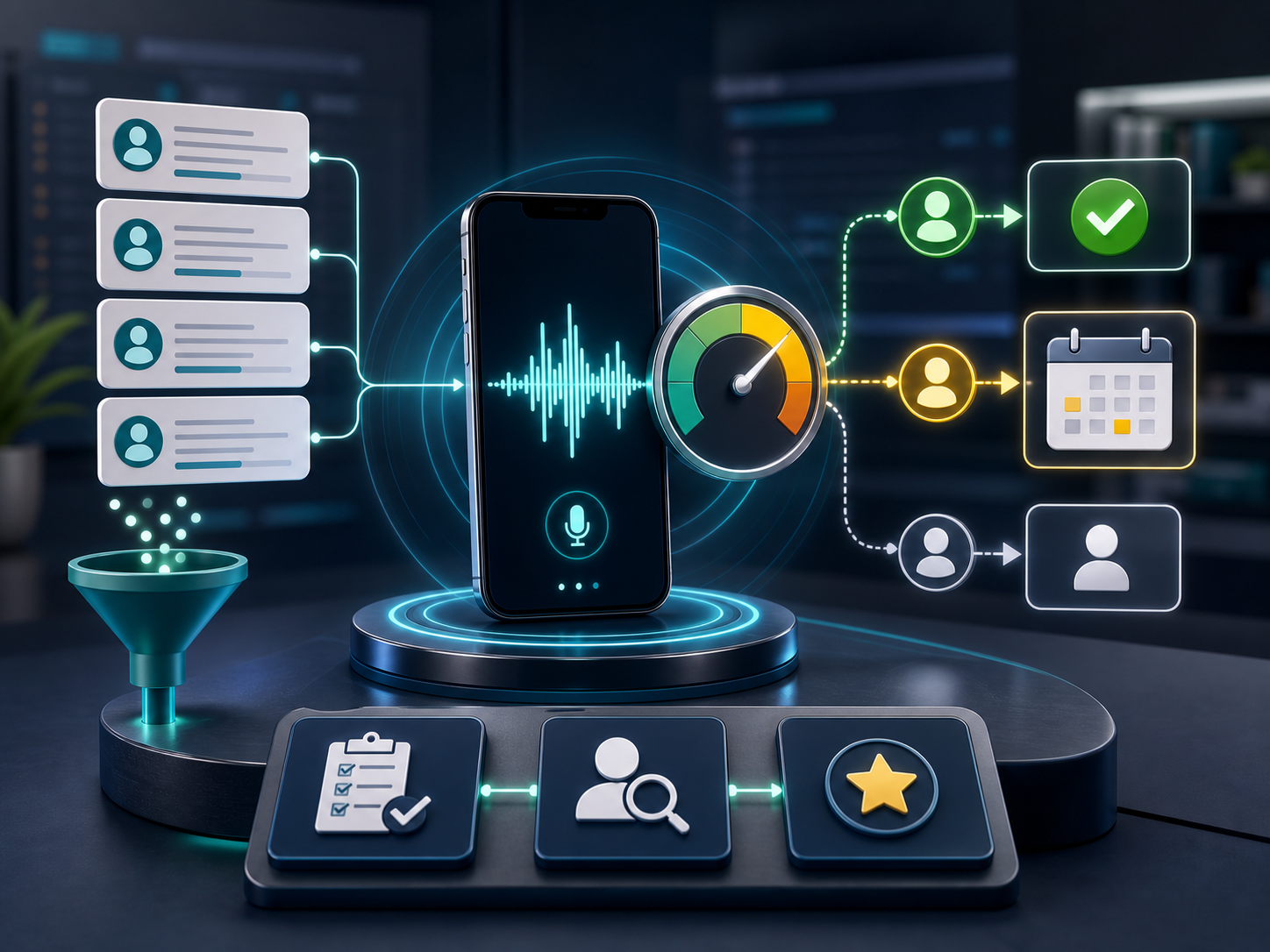
Lead Qualification
Screen & score every new lead
See the flow & questions ↓
How it works
- Greets the lead instantly
- Captures the essentials
- Qualifies and scores them
- Routes hot leads to you, books the rest
What it asks
- What are you looking for?
- What’s your timeframe?
- What budget range are you working with?
- How did you hear about us?
- Best way to reach you?
Want this running for your business?
Call the AI yourself and hear it — then put it on your phones.